As teams become more distributed, managers often struggle to answer basic questions:
Where is time actually being spent? Are projects progressing as planned? Are workloads balanced fairly?
Traditional reporting methods no longer provide enough clarity. As a result, many organizations are adopting time tracking software, especially solutions that offer optional screenshot functionality. When used responsibly, a time tracker with screenshots can provide valuable context, reduce confusion, and support better decision-making—without constant supervision.
Understanding Screenshot-Based Time Tracking
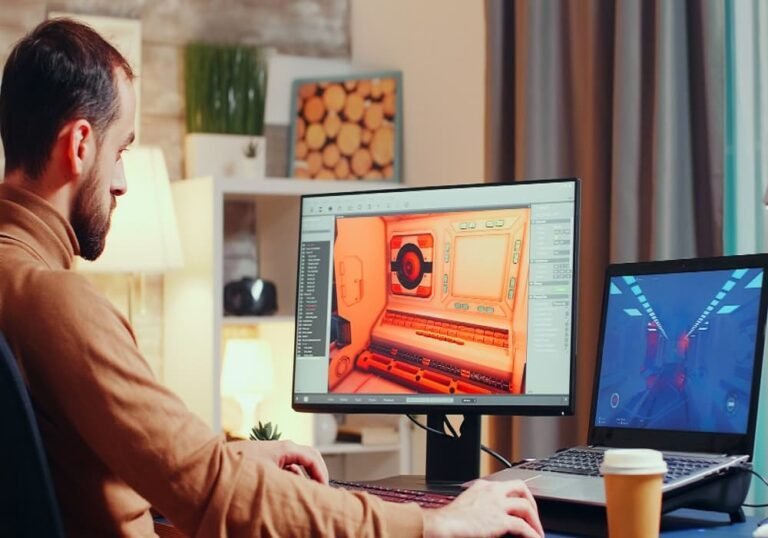
At its core, time tracking software automatically records working hours. When screenshots are enabled, the system periodically captures images of a user’s screen during active work sessions.
This additional context helps teams understand how time is used, not just how much time is logged. Modern platforms offer flexible settings—such as timed intervals, visibility controls—making this approach both practical and ethical.
Why Teams Are Moving Away from Manual Time Logs?
Manual time entry relies on memory and trust, which can lead to inconsistencies. Teams often face issues such as:
- Inaccurate hour reporting
- Difficulty validating work progress
- Misunderstandings between managers and contributors
Time tracking software with screenshots helps reduce these challenges by automatically capturing activity data and pairing it with visual confirmation. This creates shared clarity without requiring constant check-ins.
How Screenshots Support Accountability Without Micromanagement
A common misconception is that screenshots equal surveillance. In reality, when used correctly, screenshots can reduce micromanagement.
Instead of asking for frequent status updates, managers can review time summaries and occasional visual context. Employees, in turn, can feel more confident knowing their work is clearly represented.
This balance encourages accountability while allowing people to focus on their tasks without interruption.
Practical Benefits for Modern Teams
1. Clearer Project Visibility
Teams working across multiple projects gain a better understanding of where time is allocated, helping managers spot delays early.
2. Improved Workflow Decisions
Reviewing time data alongside screenshots can highlight inefficient processes, tool overload, or unnecessary context switching.
3. Fairer Performance Reviews
Decisions are based on actual work patterns rather than assumptions, enabling more objective evaluations.
4. Stronger Client Confidence
For service-based teams, screenshot-supported tracking helps explain billed hours clearly and professionally.
Choosing the Right Time Tracking Software
Not every team needs screenshots enabled at all times. When selecting a time tracker with screenshot capabilities, it’s important to look for:
- Strong privacy controls and data protection
- Simple reporting and export options
- Task- and project-level tracking
- Easy onboarding and adoption for team members
Some platforms, such as Prime Teams, combine time tracking with task organization and flexible visibility settings—allowing teams to adapt usage to their workflow needs rather than rigid monitoring rules.
Responsible Use Matters More Than Features
The success of any time tracking software with screenshots depends less on the tool itself and more on how it’s implemented. Clear communication, consent, and transparency are essential.
When teams understand why tracking exists—to improve planning, fairness, and productivity—they’re more likely to view it as support rather than control.
Final Thoughts
Time tracking is no longer just about counting hours. With the right approach, it becomes a way to understand work habits, improve collaboration, and set realistic expectations.
By using time tracking software thoughtfully—and enabling screenshots only where they add value—teams can stay organized, accountable, and productive in an increasingly flexible work environment.